

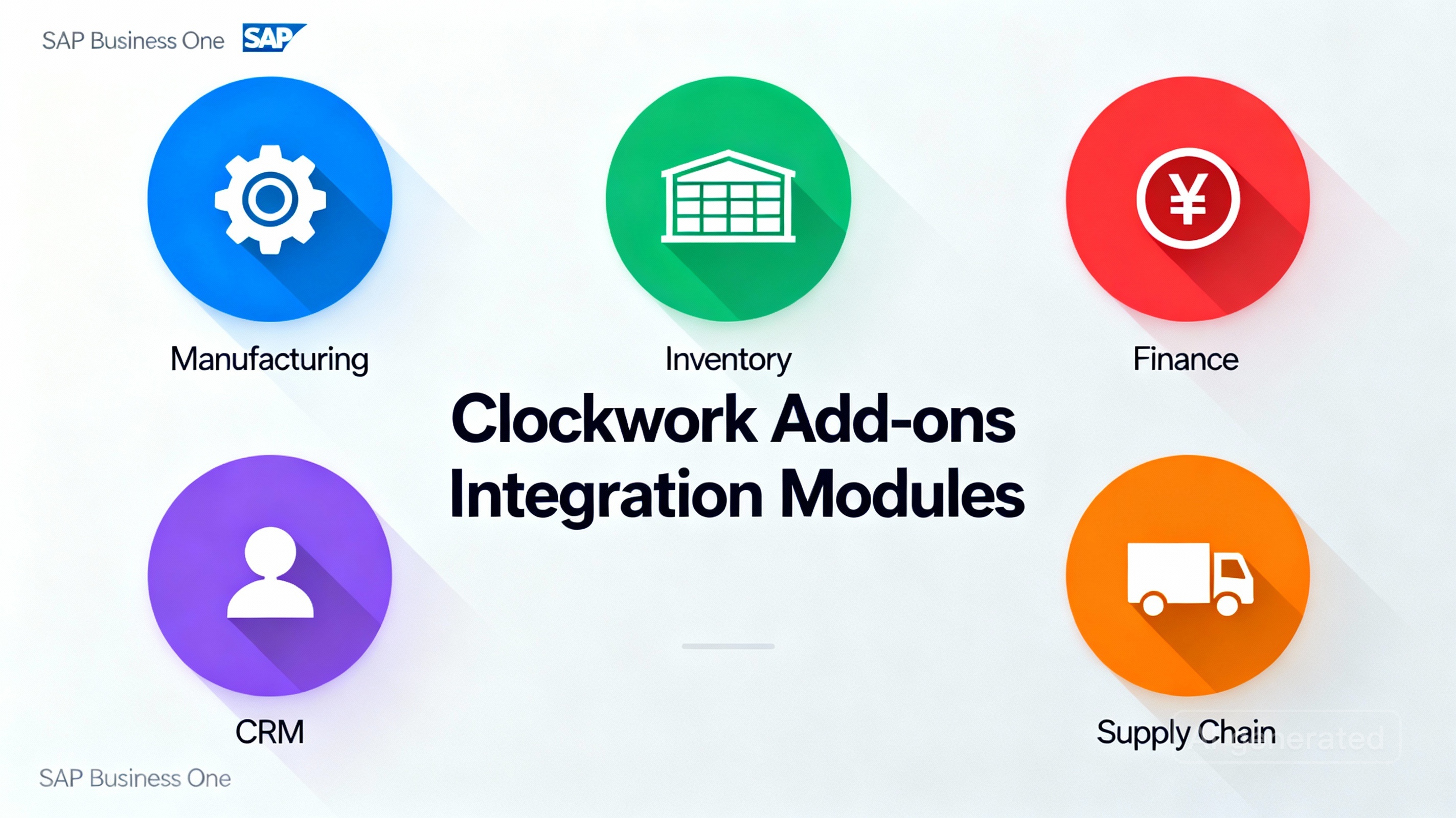
Introduction to Clockwork Add-Ons and SAP Business One
In the fast-paced world of enterprise resource planning (ERP), SAP Business One stands out as a comprehensive solution for small and medium-sized enterprises (SMEs). However, as businesses evolve, so do their operational demands. That’s where Clockwork Add-Ons come in — a suite of specialized tools designed to extend SAP Business One’s native functionality, offering enhanced automation, reporting, and integration.
What Are Clockwork Add-Ons?
Clockwork Add-Ons are modular software extensions developed to enhance the capabilities of SAP Business One. From automating production processes to improving data visibility, these add-ons fill functional gaps that SAP Business One alone might not cover.
Each add-on integrates seamlessly, ensuring that businesses can tailor their ERP to meet specific industry requirements — be it manufacturing, distribution, retail, or finance.
Why SAP Business One Users Need Add-Ons
Even though SAP Business One provides a strong ERP foundation, it’s the add-ons that truly unlock its potential. With Clockwork, users gain access to advanced analytics, streamlined workflows, and tools that drive faster, data-backed decisions. These add-ons empower teams to work smarter, reduce manual intervention, and achieve operational excellence.
Benefits of Using Clockwork Add-Ons in SAP Business One
Enhanced Efficiency and Automation
Clockwork Add-Ons automate repetitive tasks — from generating reports to processing invoices — freeing employees to focus on strategy rather than routine administration. Businesses experience higher productivity and reduced human error.
Real-Time Data and Reporting Improvements
With Clockwork’s advanced dashboards and analytics tools, users gain access to real-time performance data, allowing for more informed decision-making. Instant insights into operations ensure no opportunity slips through the cracks.
Streamlined Workflow Integration
Clockwork Add-Ons are designed with seamless SAP Business One integration, ensuring workflows remain uninterrupted. Whether syncing data between departments or automating supply chain actions, integration ensures smooth operations.
The Top 5 Clockwork Add-Ons for SAP Business One
1. Clockwork Advanced Manufacturing Suite
Key Features and Benefits
This add-on is a must-have for manufacturers. It provides real-time tracking of production orders, automated scheduling, and quality assurance controls — all within SAP Business One.
Real-World Use Case
A mid-sized electronics manufacturer reduced downtime by 30% after implementing Clockwork’s Advanced Manufacturing Suite, thanks to predictive maintenance alerts.
2. Clockwork Inventory Control Pro
Key Features and Benefits
This add-on provides advanced stock management tools such as batch tracking, reorder level automation, and dynamic warehouse visualization.
How It Optimizes Stock Management
By automating replenishment processes, businesses minimize overstocking and stockouts, resulting in significant cost savings.
3. Clockwork Financial Insights Dashboard
Key Features and Benefits
A finance leader’s dream — this dashboard integrates SAP Business One’s financial data into an intuitive visual display. It supports cash flow forecasting, variance analysis, and budget tracking.
Integration with SAP Business One Analytics
It leverages native SAP analytics, allowing CFOs and accountants to make strategic decisions backed by reliable, real-time financial data.
4. Clockwork CRM and Customer Portal Add-On
Key Features and Benefits
This tool centralizes customer interactions, manages leads, and automates follow-ups. It also offers a self-service customer portal, enhancing client satisfaction and engagement.
How It Boosts Customer Relationships
Companies using this add-on report a 25% improvement in customer retention and faster sales cycles due to real-time communication capabilities.
5. Clockwork Supply Chain Optimizer
Key Features and Benefits
Perfect for logistics-heavy businesses, this add-on automates procurement, monitors supplier performance, and optimizes delivery scheduling.
How It Enhances Procurement and Distribution
Businesses gain a unified view of their supply chain, improving coordination and minimizing delivery delays.
Comparing Clockwork Add-Ons: Which One Is Right for You?
When choosing between add-ons, consider your business priorities:
- Manufacturers should prioritize the Advanced Manufacturing Suite.
- Retailers or distributors can benefit most from Inventory Control Pro.
- Service-based firms may find the CRM Portal Add-On most impactful.
Decision Criteria: Cost, Complexity, and ROI
Evaluate each add-on by:
- Implementation costs
- Training requirements
- Expected return on investment (ROI)
Customization and Integration Capabilities
Each Clockwork Add-On offers flexible customization to match business-specific processes, making them scalable for long-term growth.
Implementation Tips for Clockwork Add-Ons in SAP Business One
Step-by-Step Installation Guide
- Assess business requirements
- Choose compatible Clockwork Add-Ons
- Integrate using SAP’s Add-On Manager
- Configure modules and train staff
- Test before full deployment
Best Practices for Maximizing Add-On Performance
- Regularly update software
- Monitor user performance metrics
- Align add-on use with KPIs
Common Challenges and How to Overcome Them
Compatibility Issues
Ensure your SAP Business One version is compatible with your chosen Clockwork Add-On.
Data Synchronization and Security
Establish secure API connections and enable data validation layers to avoid duplication or errors.
FAQs About Clockwork Add-Ons for SAP Business One
1. What is the pricing model for Clockwork add-ons?
Pricing varies depending on the module and licensing type (subscription or perpetual).
2. Are Clockwork add-ons SAP certified?
Yes, all Clockwork add-ons undergo SAP certification for performance and compatibility.
3. Can I use multiple Clockwork add-ons together?
Absolutely — they are designed for seamless interoperability.
4. How often does Clockwork update their add-ons?
Typically every quarter, ensuring performance and security enhancements.
5. What level of support is provided by Clockwork?
24/7 customer support and onboarding assistance.
6. Do Clockwork add-ons require custom configuration?
Basic setup is straightforward, but advanced customization may require a consultant.
Conclusion: Empowering SAP Business One Users with Clockwork Add-Ons
Clockwork’s add-ons represent the future of SAP Business One optimization. From manufacturing to customer relations, these tools empower users to scale operations, reduce inefficiencies, and achieve better business outcomes.
If you’re ready to take your ERP system to the next level, exploring Clockwork’s suite of add-ons is a great place to start.