

Introduction to ERP Systems and Their Importance
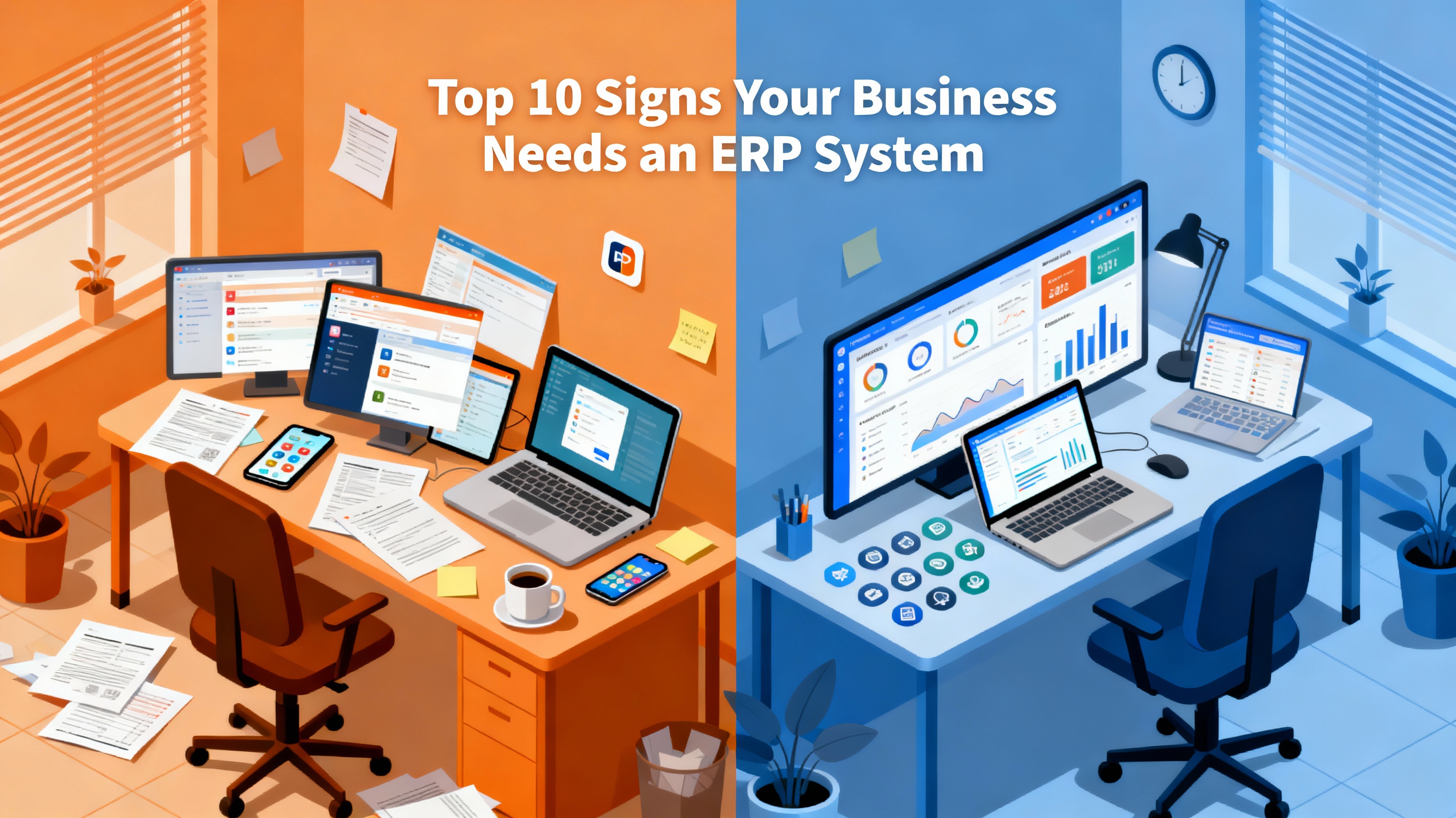
Every growing business eventually hits a wall — one where spreadsheets, isolated tools, and manual workflows just can’t keep up. This is often the moment leaders start hearing about Enterprise Resource Planning (ERP) systems. These solutions integrate multiple functions — finance, HR, inventory, sales, and operations — into one centralized platform.
ERP systems help businesses automate routine tasks, eliminate redundant processes, and gain real-time visibility into performance. When implemented correctly, ERP becomes the digital backbone of a modern business.
What Is an ERP System?
An ERP (Enterprise Resource Planning) system is an all-in-one software solution designed to unify different business processes across departments. Rather than having separate tools for accounting, procurement, manufacturing, or customer service, ERP integrates everything into one system — allowing seamless data flow and improved efficiency.
Why Businesses Today Can’t Thrive Without ERP Integration
In today’s data-driven world, agility and real-time insight aren’t luxuries — they’re necessities. Companies that rely on fragmented systems struggle to make timely decisions, leading to wasted resources, missed opportunities, and lower profits. ERP systems solve this by providing a single source of truth that enables scalability and smarter planning.
Understanding the Role of ERP in Modern Business Operations
The Link Between ERP and Business Efficiency
ERP systems eliminate departmental silos. For instance, sales data can instantly update inventory levels and trigger purchase orders, ensuring no product shortages or overstocking. This interconnectedness streamlines workflows and improves cross-departmental communication.
Common Misconceptions About ERP Systems
A frequent myth is that ERP solutions are only for large enterprises. In reality, modern cloud-based ERP systems are scalable and affordable even for small and medium-sized businesses (SMBs). Another misconception is that ERP is too complex — while initial setup requires planning, once deployed, it simplifies rather than complicates daily operations.
The Top 10 Signs Your Business Needs an ERP System
1. Disconnected Systems Causing Data Inconsistencies
If your departments use different software that doesn’t “talk” to each other, errors are inevitable. ERP brings all operations under one umbrella, ensuring every department uses consistent, accurate data.
2. Manual Processes That Slow Down Productivity
Manual data entry and repetitive tasks consume valuable time. ERP automates routine processes like invoice generation, payroll, and reporting — freeing employees to focus on strategic work.
3. Poor Visibility into Business Operations
Without centralized dashboards or real-time reporting, managers make decisions based on outdated data. ERP gives instant access to KPIs, allowing leaders to make informed, timely choices.
4. Difficulty Managing Inventory and Supply Chain
If you’re constantly running out of stock or overordering, your business likely lacks synchronization. ERP systems track inventory levels, predict demand, and automate reordering — minimizing waste and ensuring supply chain efficiency.
5. Increasing Customer Complaints and Delayed Orders
When customer satisfaction drops due to shipping delays or order errors, ERP can help. It streamlines order processing, tracks shipments, and ensures timely communication between sales and operations.
6. Struggling with Compliance and Reporting
If preparing compliance reports or audits feels like an uphill battle, that’s a strong sign your business needs an ERP system. ERP software maintains accurate, up-to-date records that comply with local and international standards. Automated reporting tools can generate audit trails and ensure your company meets tax, labor, and industry regulations without the manual hassle.
7. Accounting Discrepancies and Financial Errors
Are you constantly finding mismatched financial reports or errors during month-end closings? This often happens when accounting data is scattered across multiple systems. ERP centralizes financial data, automating reconciliation and ensuring real-time accuracy. With ERP, you can generate consolidated financial statements effortlessly — no more juggling spreadsheets or worrying about inconsistencies.
8. Rapid Growth That Your Current System Can’t Handle
A growing business needs a system that can scale. When your company expands into new markets, hires more employees, or adds product lines, legacy systems often fail to keep up. ERP solutions are designed for scalability, ensuring your technology grows with your operations rather than holding you back.
9. Inefficient Decision-Making Due to Lack of Real-Time Data
If management decisions are based on outdated or incomplete information, productivity and profitability can take a hit. ERP systems provide real-time analytics dashboards that give leaders immediate insights into key metrics — from sales trends to production output — enabling quick, data-driven decisions.
10. IT Complexity and System Maintenance Costs Increasing
As your organization adopts more specialized tools, maintaining them becomes expensive and complicated. ERP consolidates these disparate systems, reducing IT overhead and maintenance costs. Modern cloud-based ERP platforms also eliminate the need for expensive on-premise servers, offering security and flexibility at a lower cost.
Benefits of Implementing an ERP Solution
Streamlined Operations and Centralized Data
ERP eliminates departmental silos by unifying data across finance, HR, supply chain, and customer service. Employees can access shared information in real time, improving communication and reducing delays. Centralized data also ensures consistency — everyone works from the same source of truth.
Better Financial Control and Transparency
With ERP, financial data is integrated into every business function, allowing complete visibility over costs, revenues, and profit margins. Budgeting, forecasting, and reporting become far more accurate, helping executives plan strategically.
Improved Decision-Making with Real-Time Insights
ERP systems empower decision-makers with up-to-date performance dashboards and predictive analytics. Instead of reacting to problems, companies can proactively identify risks and opportunities. This agility provides a competitive edge in fast-paced markets.
Choosing the Right ERP System for Your Business
Key Features to Look for in an ERP Platform
When evaluating ERP options, prioritize features such as:
- Cloud-based access: For flexibility and remote work compatibility.
- Customization: Adaptable modules for your industry’s needs.
- Integration: Compatibility with existing tools like CRM or eCommerce software.
- Analytics: Real-time dashboards and reporting tools.
- Scalability: Ability to handle growth and expansion.
Popular ERP systems include SAP S/4HANA, Oracle NetSuite, Microsoft Dynamics 365, and Odoo. Each offers varying features suited to different business sizes and industries.
How to Assess Your Business Readiness for ERP Implementation
Before investing, assess the following:
- Process Maturity: Are your workflows standardized enough to automate?
- Data Quality: Is your data clean and consistent?
- Leadership Support: Does your executive team back the transition?
- Employee Readiness: Is your workforce open to change and training?
Successful ERP adoption requires not just the right software but also cultural alignment and a clear change management plan.
Common Mistakes Businesses Make When Adopting ERP
Underestimating Implementation Time and Cost
ERP implementation is a complex project that can take months. Businesses often underestimate the time required for configuration, testing, and employee training. Rushing through implementation leads to inefficiencies later.
Lack of Employee Training and Change Management
The best ERP system in the world is useless if employees don’t know how to use it. Training is crucial. Encourage user adoption by providing ongoing support and creating ERP champions within each department.
FAQs About ERP Systems
1. What are the main advantages of ERP systems?
ERP systems improve efficiency, reduce costs, and enhance decision-making by centralizing data and automating business processes.
2. How much does an ERP system typically cost?
Costs vary depending on business size and complexity. Cloud-based ERP subscriptions may start as low as $50 per user per month, while enterprise systems can cost thousands monthly.
3. Can small businesses benefit from ERP?
Absolutely. Many ERP providers offer modular, affordable solutions tailored for small and medium-sized enterprises (SMEs) that can scale over time.
4. How long does it take to implement an ERP system?
Implementation time varies but typically ranges from 3 to 12 months, depending on customization needs, data migration, and training scope.
5. What departments benefit the most from ERP?
Finance, supply chain, manufacturing, HR, and sales benefit significantly. However, every department gains efficiency through shared data and automation.
6. What are examples of popular ERP systems?
Common ERP systems include SAP, Oracle NetSuite, Microsoft Dynamics 365, Infor CloudSuite, and Odoo.
Conclusion: Future-Proofing Your Business with ERP
In today’s digital-first world, running a business without ERP is like trying to navigate without a map. The signs are clear — if your company faces data inconsistencies, inefficiencies, or scalability issues, it’s time to consider an ERP solution.
Implementing an ERP system isn’t just a technology upgrade; it’s a strategic move toward sustainability, efficiency, and long-term growth. Whether you’re a small business planning expansion or an established enterprise optimizing processes, ERP can be your ultimate catalyst for transformation.