

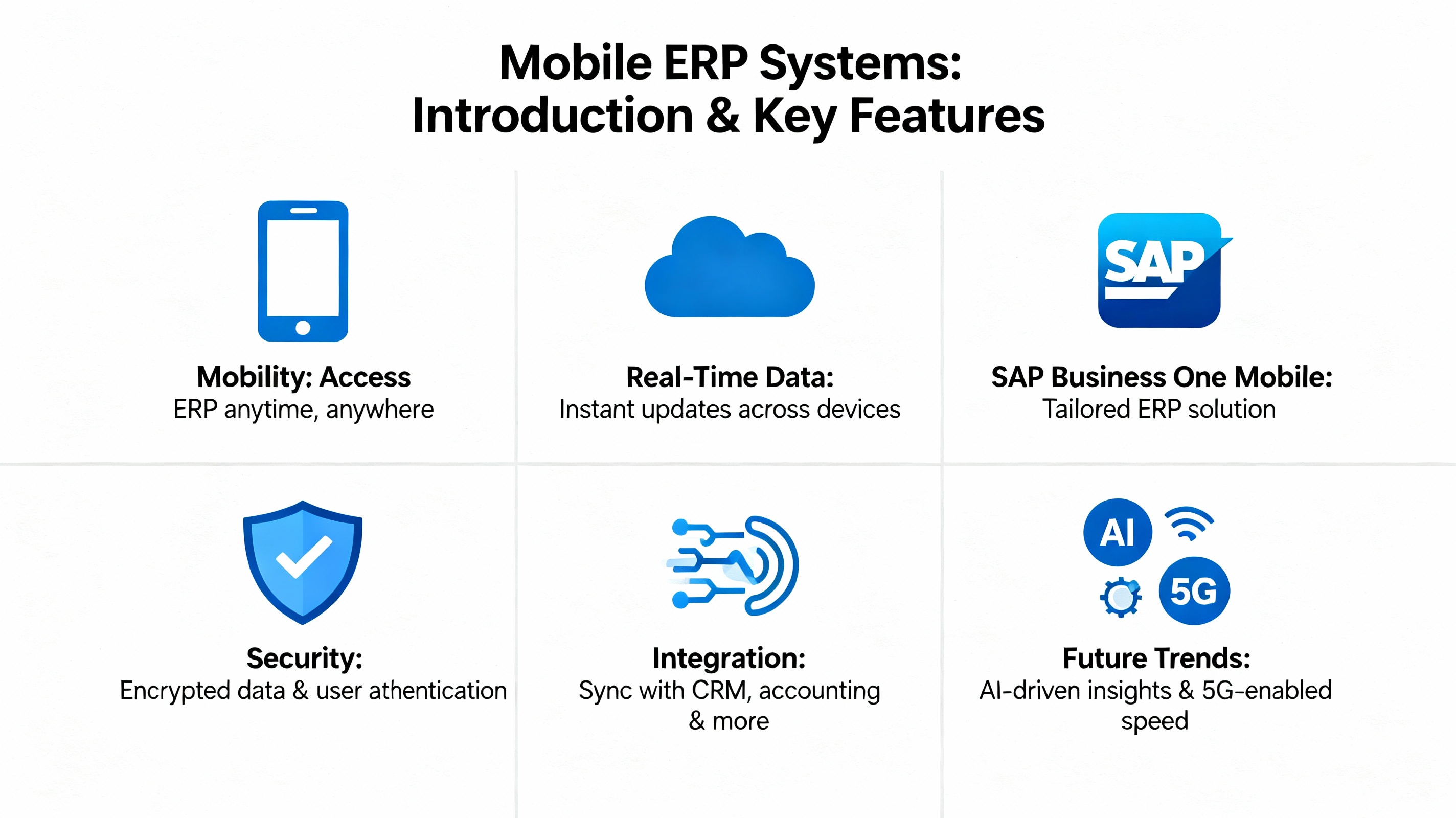
Introduction to Mobile ERP Systems
The modern business world no longer revolves around office desks or rigid schedules. Mobility has become the new heartbeat of productivity. Enter Mobile ERP—a revolutionary solution that allows business leaders to manage every aspect of their enterprise from any location, at any time.
A Mobile ERP system extends the power of traditional Enterprise Resource Planning to mobile devices—providing real-time access to data, enabling informed decision-making, and ensuring business continuity even outside the office. Whether you’re approving a purchase order on a train or checking inventory during a site visit, Mobile ERP ensures your business never stops moving.
Why Mobility Matters in Modern Business
The global workforce is increasingly mobile. Remote work, digital transformation, and real-time customer demands have made mobility not just an option—but a necessity. With the rise of SAP Business One Mobile, businesses gain a seamless, integrated, and always-accessible solution for managing daily operations efficiently.
Overview of SAP Business One
SAP Business One is an ERP solution specifically designed for small to mid-sized enterprises (SMEs) looking to simplify and automate operations. It combines finance, sales, inventory, and operations into one unified system.
The Role of SAP Business One in ERP Evolution
SAP has long been a leader in ERP innovation. SAP Business One Mobile extends its capabilities to smartphones and tablets—empowering users to execute key business functions anywhere in the world.
Key Features That Enable Mobility
- Access dashboards and KPIs in real time
- Manage leads, sales opportunities, and approvals remotely
- Monitor inventory and financials on the go
- Synchronize data seamlessly with desktop ERP systems
How Mobile ERP Transforms Business Operations
Mobile ERP transforms how organizations function by breaking down barriers of time and location.
Real-Time Access to Data
With SAP Business One Mobile, data isn’t just available—it’s live. Managers can check up-to-the-minute financial reports, monitor cash flow, and even track production output in real time.
Enhanced Decision-Making and Agility
Immediate insights mean faster, smarter decisions. Whether it’s adjusting pricing, reallocating resources, or approving a supplier invoice, Mobile ERP empowers agile management.
Reducing Downtime with On-the-Go Management
Unexpected disruptions no longer paralyze operations. Managers can resolve issues, authorize changes, and communicate instantly with their teams through mobile access.
The Benefits of Running Your Business Anywhere
Running your enterprise remotely is no longer futuristic—it’s today’s competitive edge.
Increased Productivity and Flexibility
Employees work smarter when they can access business tools anywhere. Mobile ERP removes barriers, ensuring productivity remains uninterrupted.
Improved Collaboration Between Teams
From sales reps in the field to finance teams in the office, mobile access keeps everyone connected and aligned.
Cost Efficiency and Time Savings
By minimizing administrative overhead and eliminating data duplication, Mobile ERP reduces operational costs and accelerates workflows.
Core Features of SAP Business One Mobile App
SAP Business One’s mobile app delivers the full ERP experience in your pocket.
Dashboard Overview
Instant visibility into KPIs, performance metrics, and business health indicators.
Sales, Inventory, and Financials on Mobile
Manage sales orders, stock levels, and financial reports directly from your phone.
Integration with Core ERP Modules
All data syncs in real-time with your on-premise or cloud-based SAP ERP system—no manual updates required.
Industries Benefiting from SAP Business One Mobile ERP
Manufacturing
Access production schedules, quality checks, and resource planning instantly.
Retail
Track stock, manage POS data, and analyze customer buying patterns anywhere.
Distribution
Ensure smooth supply chain operations with live updates and inventory visibility.
Professional Services
Manage billing, client interactions, and project tracking in real time.
Security and Data Protection in Mobile ERP
Security is often the top concern for businesses embracing mobile technologies. With SAP Business One Mobile ERP, data protection isn’t just an add-on—it’s built into the system’s DNA.
How SAP Ensures Secure Mobile Operations
SAP uses enterprise-grade encryption and multi-layered security protocols to safeguard sensitive business data. Whether users access the system via public Wi-Fi or private VPNs, SAP’s infrastructure maintains strict compliance with international data protection standards such as GDPR and ISO 27001.
Data Encryption and Role-Based Access
- End-to-end encryption keeps transmitted information secure between devices and servers.
- Role-based access controls ensure employees only see the data relevant to their responsibilities.
- Audit trails allow administrators to track and monitor all user activities for transparency and accountability.
SAP’s robust security approach provides peace of mind—so business leaders can focus on growth, not breaches.
Cloud and On-Premise Deployment Options
One of the greatest strengths of SAP Business One Mobile ERP is its flexible deployment. Businesses can choose between cloud-based, on-premise, or hybrid models depending on their operational needs.
Hybrid Approach for Flexibility
Hybrid ERP deployments allow businesses to enjoy both the stability of on-premise systems and the mobility of cloud-based applications. This model offers the best of both worlds—speed, scalability, and local control.
Comparing Mobile Cloud ERP vs. Traditional ERP
| Feature | Mobile Cloud ERP | Traditional ERP |
|---|---|---|
| Accessibility | Anywhere, anytime | Limited to office network |
| Updates | Automatic | Manual and time-consuming |
| Scalability | Highly flexible | Hardware dependent |
| Cost | Subscription-based | High upfront costs |
With SAP Business One Mobile ERP, companies can scale effortlessly as they grow—without disrupting daily operations.
Integrating SAP Business One with Other Business Tools
The true power of a modern ERP lies in its connectivity. SAP Business One Mobile integrates seamlessly with other critical systems, ensuring smooth data flow across departments.
CRM and HRM Integration
Businesses can connect CRM modules to track leads and manage relationships, while HRM tools streamline payroll, attendance, and employee performance—all from a single mobile interface.
Linking to E-Commerce Platforms
For retail and distribution businesses, integrating with e-commerce platforms like Shopify or Magento allows automatic synchronization of sales data, inventory, and customer orders. This eliminates manual data entry and minimizes errors.
By linking SAP Business One Mobile with essential business tools, you can create a connected ecosystem that supports end-to-end visibility and efficiency.
Overcoming Challenges in Mobile ERP Adoption
Adopting mobile ERP can be transformative—but it’s not without challenges. Understanding these hurdles early can help ensure a smooth transition.
Network Dependence and Offline Access
Since mobile ERP relies on internet connectivity, network downtime can interrupt operations. However, SAP Business One Mobile offers offline access, allowing users to work uninterrupted even without a stable connection. Once reconnected, the system syncs automatically.
Employee Training and Change Management
User resistance is common when adopting new technologies. SAP addresses this through intuitive UI/UX design and comprehensive onboarding support, making it easier for employees to adapt quickly.
Investing in proper training and communication ensures that everyone embraces mobile ERP as a productivity booster—not a disruption.
Case Study: Success Story Using SAP Business One Mobile
Case Study: GlobalTech Distributors – Driving Efficiency Through Mobility
GlobalTech Distributors, a mid-sized logistics company, implemented SAP Business One Mobile ERP to manage their growing operations across multiple regions.
Before implementation, communication delays and manual reporting hindered decision-making. After adopting SAP’s mobile ERP solution, management gained instant visibility into sales data, warehouse performance, and customer orders.
Results after 6 months:
- 40% improvement in operational efficiency
- 30% faster sales order approvals
- 25% reduction in data errors
GlobalTech’s story proves that mobile ERP doesn’t just connect systems—it connects people, processes, and performance.
Future Trends in Mobile ERP and SAP Innovation
As technology evolves, so does the potential of Mobile ERP. SAP continues to pioneer innovation that shapes the future of business mobility.
AI, IoT, and Predictive Analytics
Artificial Intelligence (AI) and the Internet of Things (IoT) are revolutionizing how businesses interpret data. SAP Business One is integrating predictive analytics that help organizations anticipate demand, prevent bottlenecks, and optimize resources.
The Rise of 5G and Enhanced Mobility
With 5G networks, mobile ERP applications will become faster, more reliable, and capable of handling larger data volumes in real time. This means seamless collaboration even across continents.
SAP’s commitment to innovation ensures that Mobile ERP remains a cornerstone of digital transformation in the coming decade.
Choosing the Right Mobile ERP Solution for Your Business
Before investing in a mobile ERP system, evaluate your business requirements and future scalability needs.
Key Evaluation Criteria
- Business size and complexity
- Industry-specific needs
- Deployment options (cloud, on-premise, or hybrid)
- Integration capabilities
- Vendor support and training availability
Questions to Ask Before Implementation
- Does the ERP support my business’s mobility goals?
- Can it integrate with existing tools and systems?
- What are the total costs, including maintenance and updates?
- How secure is the platform for remote access?
By answering these, you’ll identify whether SAP Business One Mobile ERP aligns with your organization’s long-term vision.
FAQs About Mobile ERP and SAP Business One
1. What is Mobile ERP?
Mobile ERP is an extension of traditional ERP systems that allows users to access, manage, and analyze business data via mobile devices from any location.
2. How does SAP Business One Mobile differ from other ERP apps?
It offers full integration with SAP’s core ERP system, providing real-time synchronization, advanced reporting, and secure mobile access.
3. Is SAP Business One suitable for small businesses?
Yes. It’s designed specifically for SMEs, offering enterprise-level capabilities at an affordable price point.
4. Does the SAP mobile app work offline?
Yes, it supports offline functionality. Users can continue working and sync their data once reconnected to the internet.
5. How secure is SAP Business One Mobile ERP?
It employs end-to-end encryption, role-based permissions, and compliance with major global security standards.
6. What industries use SAP Business One Mobile ERP?
It’s widely used in manufacturing, retail, distribution, and professional services sectors for enhanced mobility and operational control.
Conclusion: Empowering Modern Businesses with SAP Business One Mobile ERP
The future of business management is mobile, agile, and data-driven. SAP Business One Mobile ERP is at the forefront of this transformation—offering businesses the freedom to operate, analyze, and grow from anywhere in the world.
By embracing mobile ERP, organizations not only stay competitive but also future-proof their operations for a rapidly evolving digital economy. Whether you’re an SME or a growing enterprise, the message is clear: with SAP Business One Mobile, your business never stops moving.