

Introduction: Unlocking the Full Potential of SAP Business One
SAP Business One is one of the most robust ERP systems designed for small to mid-sized enterprises. Yet, even though thousands of companies rely on it daily, many users only scratch the surface of what the system can actually do. Beneath its intuitive interface lies a treasure trove of hidden features that can save time, enhance decision-making, and automate repetitive tasks.
This article reveals ten lesser-known yet incredibly useful features in SAP Business One that even experienced users might have missed. By mastering these, you can optimize workflows, improve accuracy, and unlock the system’s full potential.
Understanding SAP Business One Beyond the Basics
What Makes SAP Business One Unique?
SAP Business One stands out because it offers end-to-end integration from finance and CRM to inventory and analytics—in one unified solution. Its modular design allows customization without needing complex code.
Why Most Users Miss Out on Advanced Features
Many features remain hidden simply because users stick to standard processes. Time constraints, lack of training, or fear of system complexity often prevent users from exploring deeper functionalities. But once uncovered, these tools can transform daily operations.
Hidden Feature #1: The Drag & Relate Functionality
How to Use Drag & Relate to Simplify Data Analysis
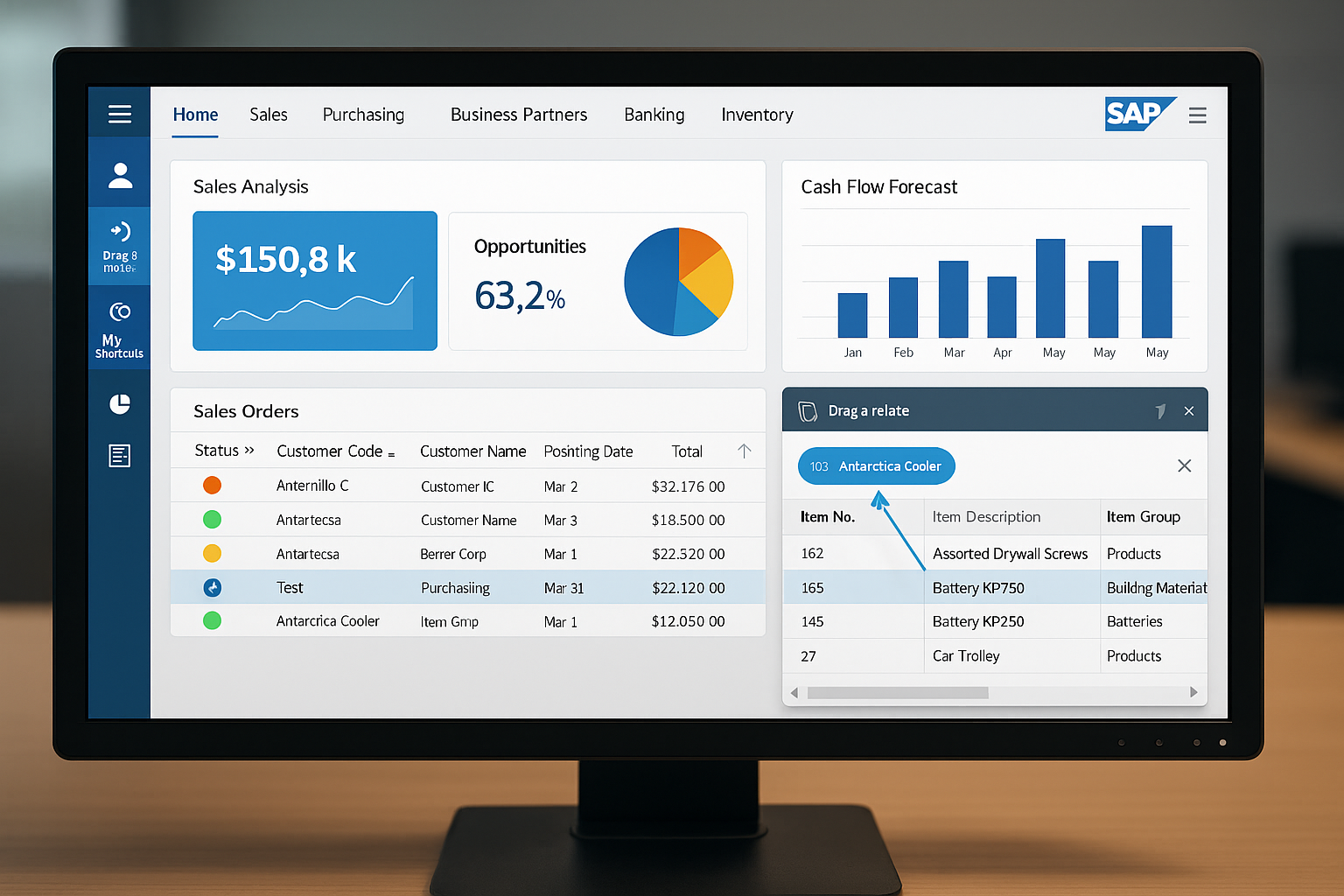
This powerful feature allows you to drag a data field—such as a business partner or item code—onto a related module to instantly generate a filtered report. For instance, dragging a customer record to “Sales Orders” shows all transactions linked to that customer.
Real-World Use Cases of Drag & Relate
Imagine instantly viewing all open invoices for a supplier or seeing sales history for a product. This eliminates the need for manual searches and saves hours every week.
Hidden Feature #2: User-Defined Fields and Tables
How to Create and Customize User-Defined Fields
Under “Tools → Customization Tools → User-Defined Fields,” you can create fields tailored to your business—like delivery priorities or warranty details—without programming knowledge.
Benefits of Personalizing Your SAP B1 Dashboard
Custom fields make reporting more accurate and dashboards more meaningful, aligning SAP Business One perfectly with your workflow.
Hidden Feature #3: Form Settings Customization
Accessing Hidden Tabs and Fields Easily
Every module in SAP B1 has customizable form settings that let you show or hide fields based on user roles. You can rearrange columns, add checkboxes, or create shortcuts for faster data entry.
Boosting Productivity Through Interface Tweaks
Streamlined forms mean less clutter and fewer clicks. Employees only see what matters—improving focus and efficiency.
Hidden Feature #4: Relationship Map
Visualizing Business Relationships with Ease
The Relationship Map provides a graphical overview of connected documents—like purchase orders, goods receipts, and invoices—making it easier to track business transactions.
How to Use Relationship Maps for Faster Audits
During financial reviews or compliance checks, the Relationship Map helps trace transaction chains instantly, reducing audit time dramatically.
Hidden Feature #5: Alerts Management and Approval Processes
Automating Workflows with Alert Management
Create automatic alerts based on triggers—like overdue invoices or stock shortages. The system can notify users via email or in-app messages.
Setting Up Multi-Level Approvals in SAP Business One
With Approval Procedures, managers can automate document approvals, ensuring better control and accountability.
Hidden Feature #6: Advanced Reporting and Query Generator
Building Smart Queries without Coding
The Query Generator in SAP Business One is one of its most underutilized features. It allows users to create sophisticated SQL queries without writing a single line of code. Using its user-friendly interface, you can build dynamic reports pulling data from multiple modules such as sales, inventory, or finance.
You can also save and share these queries with your team to ensure everyone accesses consistent, real-time insights.
Extracting Insights through Crystal Reports Integration
The integration with SAP Crystal Reports takes reporting to another level. You can design visually appealing reports with charts, logos, and company branding. These reports can even be automated to run on a schedule and sent directly to specific users, keeping management informed without manual effort.
Hidden Feature #7: Data Ownership and Authorization Control
How to Secure Sensitive Information
Data security is crucial in any ERP system. SAP Business One allows administrators to set data ownership rules that determine who can view or edit specific records. For example, sales reps can only access customers assigned to them, ensuring data privacy and compliance.
Best Practices for Setting Authorization Levels
Use role-based authorizations for departments such as finance, logistics, and sales. Regularly audit these permissions to prevent unauthorized access and maintain transparency across departments.
Hidden Feature #8: Document Draft Management
Simplifying Document Workflows
SAP Business One automatically saves documents—like purchase orders or sales invoices—as drafts before final posting. This lets users review, modify, and approve documents before they enter the system permanently.
Tracking and Approving Drafts Efficiently
Managers can review all pending drafts in one dashboard. This not only prevents data entry errors but also ensures internal approvals happen faster, especially in organizations with multi-step verification processes.
Hidden Feature #9: Mobile App Functionalities You Didn’t Know Exist
Managing Inventory and Sales on the Go
The SAP Business One Mobile App is a hidden gem. It lets you manage sales quotes, orders, and inventory right from your smartphone. Field sales reps can check stock levels, create orders, or view customer histories during client visits—boosting responsiveness and customer satisfaction.
How Mobile Analytics Can Drive Better Decisions
The app also offers built-in dashboards that display KPIs such as sales revenue, cash flow, and top-selling products in real time. This gives managers the flexibility to make informed decisions, even while traveling.
Hidden Feature #10: Advanced Filtering and Search Capabilities
Speeding Up Operations with Custom Filters
SAP Business One includes advanced filtering options that allow users to quickly locate records by setting multiple conditions. Filters can be applied on any list—like items, partners, or transactions—using date ranges, item codes, or document status.
Saving and Sharing Filter Presets Across Teams
Users can save their preferred filters as presets, making it easy to reuse them. These presets can also be shared across departments, standardizing search processes and reducing data retrieval time.
Pro Tips: How to Continuously Discover New SAP Business One Features
Using the SAP Community and Support Portal
SAP maintains an active online community and knowledge base where users can share insights, tips, and newly discovered features. Exploring these forums regularly helps businesses stay ahead and maximize the value of their ERP system.
Attending Webinars and Certification Programs
SAP frequently hosts webinars and training sessions for partners and customers. These sessions highlight upcoming features and real-world applications—empowering users to become SAP Business One experts.
FAQs About Hidden Features in SAP Business One
1. What are the most useful hidden features in SAP Business One?
Some of the most valuable hidden features include Drag & Relate, Relationship Maps, Query Generator, and Document Draft Management. Each of these tools saves time and improves visibility across operations.
2. How can I access Drag & Relate in SAP Business One?
You can find Drag & Relate in the Modules tab. Simply drag a data field—such as a customer name—onto another related module to instantly view all linked data.
3. Can I customize SAP Business One without coding knowledge?
Yes! You can use User-Defined Fields, Form Settings, and Query Generator to customize the interface and reports without writing any code.
4. Does SAP Business One have mobile access?
Absolutely. The SAP Business One mobile app for Android and iOS lets users access sales, inventory, and analytics data on the go.
5. How secure is data in SAP Business One?
SAP Business One features robust data ownership rules and authorization levels that restrict access based on user roles, ensuring data confidentiality and integrity.
6. How can I stay updated about new SAP Business One features?
You can visit the SAP Community Network (SCN) and subscribe to the SAP newsletter for updates on releases, webinars, and tutorials.
Conclusion: Empower Your Business Through Feature Mastery
SAP Business One is far more than just an ERP—it’s a powerful ecosystem designed to simplify complex business operations. By exploring its hidden features, users can unlock deeper automation, smarter decision-making, and greater efficiency.
Features like Drag & Relate, Relationship Maps, and Query Generator are not just hidden gems—they’re productivity boosters that redefine how you work. The more you learn, the more SAP Business One adapts to your business needs, driving innovation and growth.
Whether you’re an SAP administrator, manager, or end user, mastering these tools will help you leverage the full power of your ERP system and position your business for long-term success.