

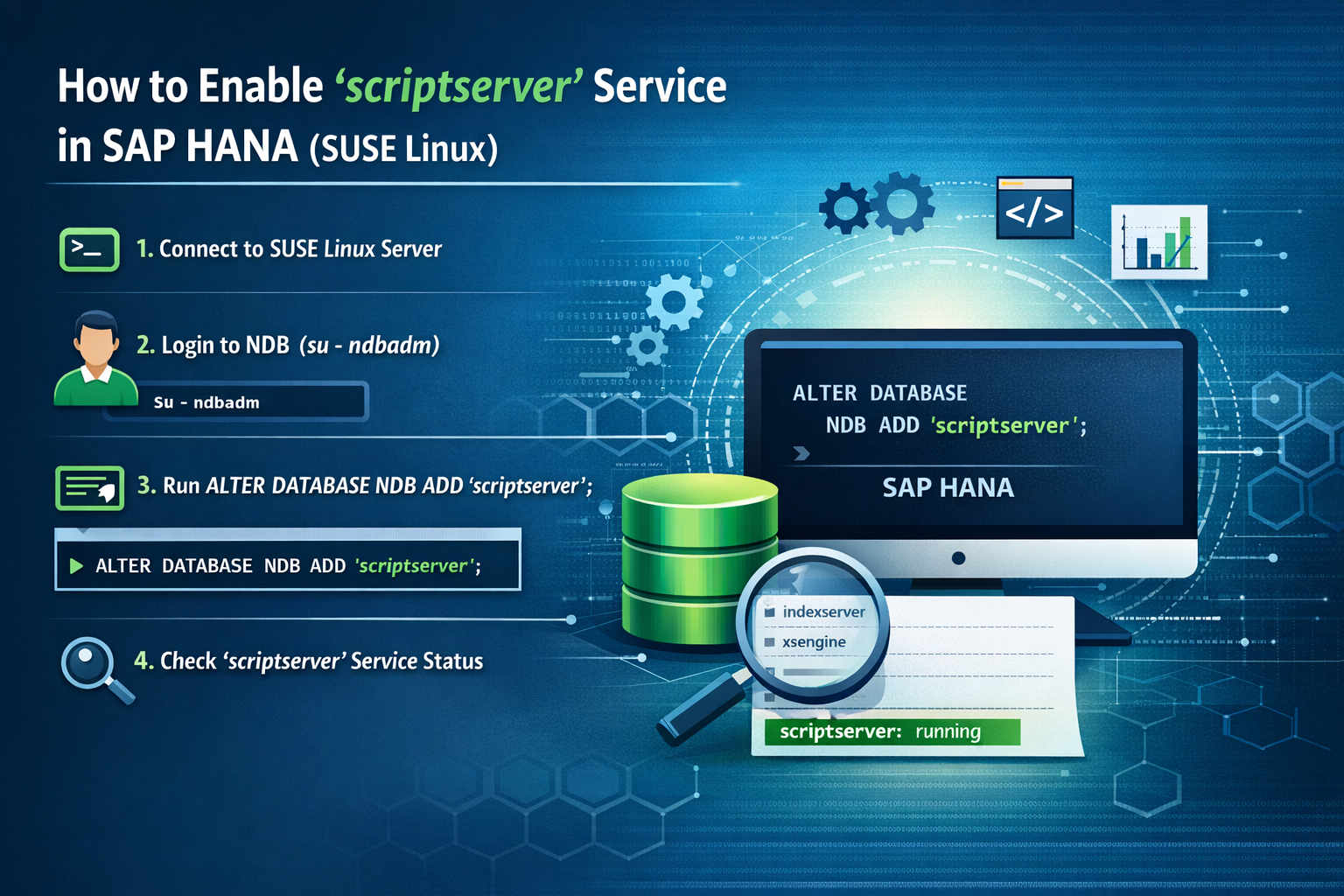
If you are working with SAP HANA in a SUSE Linux environment, enabling the scriptserver service is essential for leveraging advanced database capabilities. Many powerful features within SAP HANA depend on this service, including predictive analysis libraries (PAL), Application Function Library (AFL) functions, R integration, and other external language processing capabilities.
In some SAP HANA installations—especially fresh setups or certain system configurations—the scriptserver service may not be enabled by default. Without it, specific analytical and scripting functionalities will not work, potentially limiting your system’s full potential.
The scriptserver plays a crucial role in executing advanced data processing logic outside of the core index server. It helps handle complex calculations, predictive algorithms, and specialized scripting tasks efficiently. For organizations relying on data-driven decision-making, machine learning scenarios, or extended database features, ensuring this service is active is highly important.
Whether you are a SAP Basis consultant, HANA administrator, or system engineer managing SAP landscapes, understanding how to enable and verify the scriptserver service is a fundamental administrative task.
In this blog, we will provide a detailed, step-by-step procedure to:
- Connect to your SUSE Linux server
- Switch to the appropriate HANA database user
- Access the SYSTEMDB using command line tools
- Execute the required SQL command to enable
scriptserver - Verify that the service is successfully running
By the end of this guide, you will be able to confidently enable the scriptserver service in your SAP HANA environment and ensure your system is fully equipped to support advanced analytical and scripting functionalities.
In this blog, we will walk you through the step-by-step process to enable the ‘scriptserver’ service in SAP HANA using command line access.
🔹 Step-by-Step Procedure to Enable ‘scriptserver’ Service
1️⃣ Connect to SUSE Linux Server
First, log in to your SUSE Linux server where SAP HANA is installed.
2️⃣ Login to HANA Database User
Switch to the HANA database administration user:
3️⃣ Verify Current Services (Before Enabling)
Before enabling the service, you can check the currently running services in your HANA system to confirm whether scriptserver is already active.
4️⃣ Connect to Database from Command Line
Run the following command to connect to the SYSTEMDB using hdbsql:
Example:
⚠️ Always use a valid and secure password.
5️⃣ Enable ‘scriptserver’ Service
Once connected to SYSTEMDB, execute the following SQL command:
This command enables the scriptserver service for your SAP HANA database.
6️⃣ Verify ‘scriptserver’ Service is Running
After executing the command, verify that the service is running successfully by checking the HANA services list. You should now see scriptserver listed among the active services.
✅ Conclusion
Enabling the ‘scriptserver’ service in SAP HANA is a crucial step for organizations that want to fully utilize advanced database features such as predictive analytics, AFL (Application Function Library) functions, and external language integrations. Without this service, several powerful analytical and scripting capabilities remain unavailable, limiting the overall potential of your SAP HANA environment.
By carefully following the step-by-step procedure outlined above—connecting to the SUSE Linux server, accessing SYSTEMDB through the command line, executing the required SQL command, and verifying the service status—you can successfully activate the scriptserver service with minimal effort. The process is straightforward, yet it plays a significant role in enhancing system functionality.
For SAP Basis administrators and HANA system managers, regularly monitoring active services like scriptserver is an important best practice. Ensuring that all required services are running not only supports advanced business processes but also contributes to overall system stability, performance, and reliability.
In summary, enabling and verifying the scriptserver service helps future-proof your SAP HANA environment, ensuring it is fully prepared to handle complex analytical workloads and extended database functionalities efficiently.