

Introduction to the SAP Support Portal
The SAP Support Portal is the central hub for all customer support services offered by SAP. It provides users with access to technical assistance, knowledge resources, SAP Notes, product documentation, and self-service tools designed to help organizations manage their SAP landscapes efficiently.
For any company that runs SAP S/4HANA, SAP SuccessFactors, or SAP Ariba, this portal acts as the digital lifeline between their IT teams and SAP’s support ecosystem.
Overview of SAP and Its Support Ecosystem
Founded in 1972, SAP (Systems, Applications, and Products in Data Processing) has evolved into one of the world’s leading enterprise software providers. With thousands of global customers relying on its products, an efficient support infrastructure is crucial. The SAP Support Portal is that infrastructure — connecting customers to solutions, experts, and critical updates.
Why the SAP Support Portal Matters for Businesses
Businesses that rely on SAP systems often face challenges such as performance issues, integration errors, or security updates. The SAP Support Portal provides a single entry point to resolve all these concerns.
Here’s why it’s vital:
- 24/7 Access: The portal offers round-the-clock availability for support tools and documentation.
- Centralized Support: All services — from ticket submission to system diagnostics — are integrated.
- Faster Resolutions: Advanced search tools and AI-powered recommendations help users find answers quickly.
Key Features of the SAP Support Portal
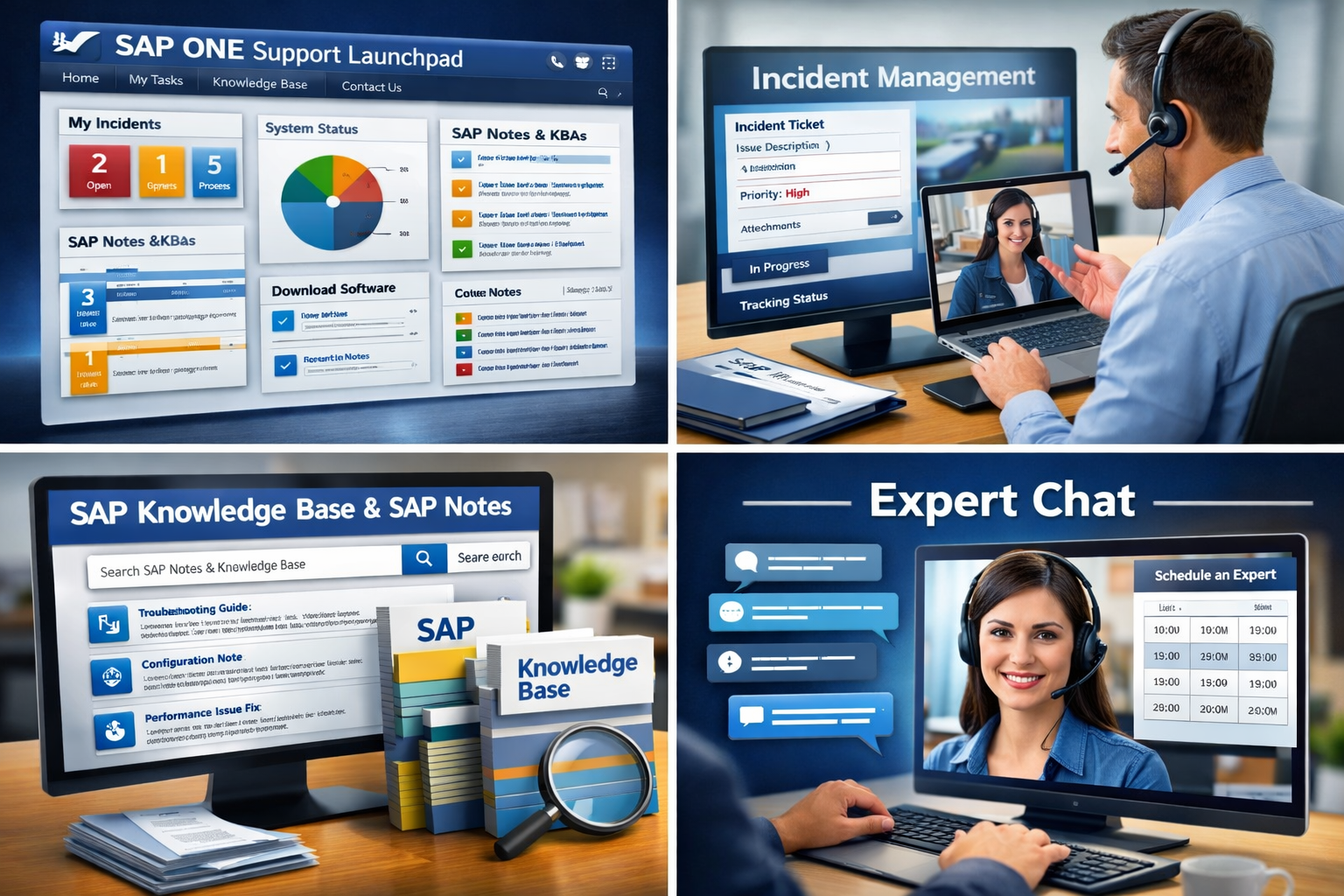
Access to Knowledge Base and SAP Notes
The Knowledge Base and SAP Notes are the backbone of the portal.
- SAP Notes contain detailed technical information, bug fixes, and configuration guidance.
- Knowledge Base Articles (KBAs) provide step-by-step solutions for common issues.
- Users can search, filter, and bookmark articles for future reference.
Incident Management and Technical Assistance
Through the portal, customers can log incidents (tickets) when they encounter issues. Each ticket is categorized, prioritized, and routed to the appropriate SAP support team. The incident management process ensures timely responses and resolution tracking.
SAP ONE Support Launchpad Overview
The SAP ONE Support Launchpad is a personalized dashboard that provides access to all SAP support tools in one place — incidents, user management, system monitoring, and notifications.
Guided Answers and Expert Chat
“Guided Answers” is a self-service troubleshooting tool that leads users through interactive decision trees to solve problems.
Meanwhile, Expert Chat allows customers to directly communicate with SAP engineers in real time — saving hours or even days of waiting.
How to Access and Use the SAP Support Portal
Account Creation and S-User ID Requirements
Accessing the SAP Support Portal requires an S-User ID, which is provided to customers with an active support contract. Each S-User ID has specific authorizations, such as creating incidents or downloading software.
Navigating the Dashboard and Tools
Once logged in, users can access tabs for:
- My Incidents
- My Systems
- Downloads
- Product Documentation
- Cloud Availability Center
How to Search for SAP Notes and Knowledge Articles
The search bar supports keyword and component-based searches. Users can apply filters like version, product area, or release date.
Submitting and Tracking Support Incidents
When a problem arises:
- Go to Report an Incident.
- Describe the issue, attach logs, and specify the system component.
- Track progress and communicate directly with SAP engineers.
Integration with Other SAP Platforms
SAP Cloud ALM and Solution Manager Integration
SAP’s Application Lifecycle Management (ALM) tools, including Solution Manager and Cloud ALM, integrate seamlessly with the portal. This connection allows automatic incident creation, system monitoring, and data-driven insights.
SAP for Me Portal and Customer Interaction
The SAP for Me portal acts as a personalized digital companion for customers. It consolidates key information about licenses, systems, and incidents — creating a unified experience alongside the SAP Support Portal.
Benefits of Using the SAP Support Portal
Faster Issue Resolution and Expert Access
The combination of self-service and direct expert interaction speeds up troubleshooting and minimizes downtime.
Continuous Learning and System Optimization
Regularly updated documentation and training materials help IT teams improve their SAP skills.
Improved Collaboration Between Teams
Teams can collaborate on incidents, share notes, and track resolutions efficiently — ensuring transparency and accountability.
Best Practices for SAP Support Portal Users
Keeping Your S-User Account Updated
Always ensure your S-User ID is active and authorized for the right systems and roles.
Managing Authorizations and Access Rights
Assign roles based on responsibility — such as Support Administrator, System Data Maintainer, or License Manager.
Staying Updated with SAP Notes and Patches
Subscribe to notifications for your products. This ensures you receive alerts on security updates, legal changes, or bug fixes.
Common Challenges and How to Overcome Them
Access or Login Issues
Problems often arise due to expired passwords or incorrect authorizations. Regularly update credentials and contact your company’s user administrator if locked out.
Understanding the Support Levels
SAP offers Standard, Enterprise, and Preferred Success support levels. Each provides varying levels of response times and proactive services.
Language and Localization Barriers
While the portal is multilingual, some notes or articles might be available only in English. Use integrated translation tools or regional SAP hubs for assistance.
Tips to Maximize Your SAP Support Experience
Using the Expert Chat and Schedule an Expert Features
These tools connect you directly with SAP specialists, helping resolve complex issues faster.
Subscribing to Notifications and Updates
Customize your notification settings to receive alerts about incidents, patches, and knowledge updates.
Leveraging Guided Answers for Self-Service Support
Before creating a ticket, check the Guided Answers feature — it can resolve common issues in minutes.
Real-World Example: SAP Support Portal in Action
Case Study: Global Manufacturing Firm’s Use of SAP Support
A multinational manufacturing company faced recurring system slowdowns. By using the SAP Support Portal:
- They identified performance-related SAP Notes.
- Used Guided Answers for troubleshooting.
- Logged an Expert Chat for immediate help.
- Result: System downtime reduced by 45%, and internal support costs decreased significantly.
Future of the SAP Support Portal
AI, Automation, and Predictive Support Features
SAP is integrating AI-powered assistants that predict issues before they occur. These tools analyze log data to recommend preventive measures.
Integration with Next-Gen SAP Cloud Solutions
Expect tighter integration with SAP Cloud ALM, SAP Business Technology Platform (BTP), and SAP for Me — ensuring a more intelligent, unified customer experience.
FAQs about the SAP Support Portal
Q1. What is the SAP Support Portal used for?
It’s used to access technical support, SAP Notes, documentation, and manage incident tickets for all SAP systems.
Q2. Who can access the SAP Support Portal?
Only registered SAP customers and partners with valid S-User IDs.
Q3. How do I reset my S-User ID password?
You can reset it directly on the login page or contact your company’s S-User Administrator.
Q4. Is the SAP Support Portal free?
It’s included as part of SAP’s maintenance and support contracts — not a standalone service.
Q5. What is the difference between SAP ONE Support Launchpad and the SAP Support Portal?
The Launchpad is a personalized interface within the Support Portal — offering quick access to tools, dashboards, and support features.
Q6. Can I access the SAP Support Portal from mobile devices?
Yes, it’s fully responsive and accessible from mobile browsers.
Conclusion
The SAP Support Portal isn’t just a website — it’s an intelligent ecosystem that keeps enterprises running smoothly. From managing incidents to accessing expert help, it empowers businesses to maintain efficiency, compliance, and system performance. As SAP continues integrating AI and automation, the portal will evolve into an even smarter, predictive platform.