

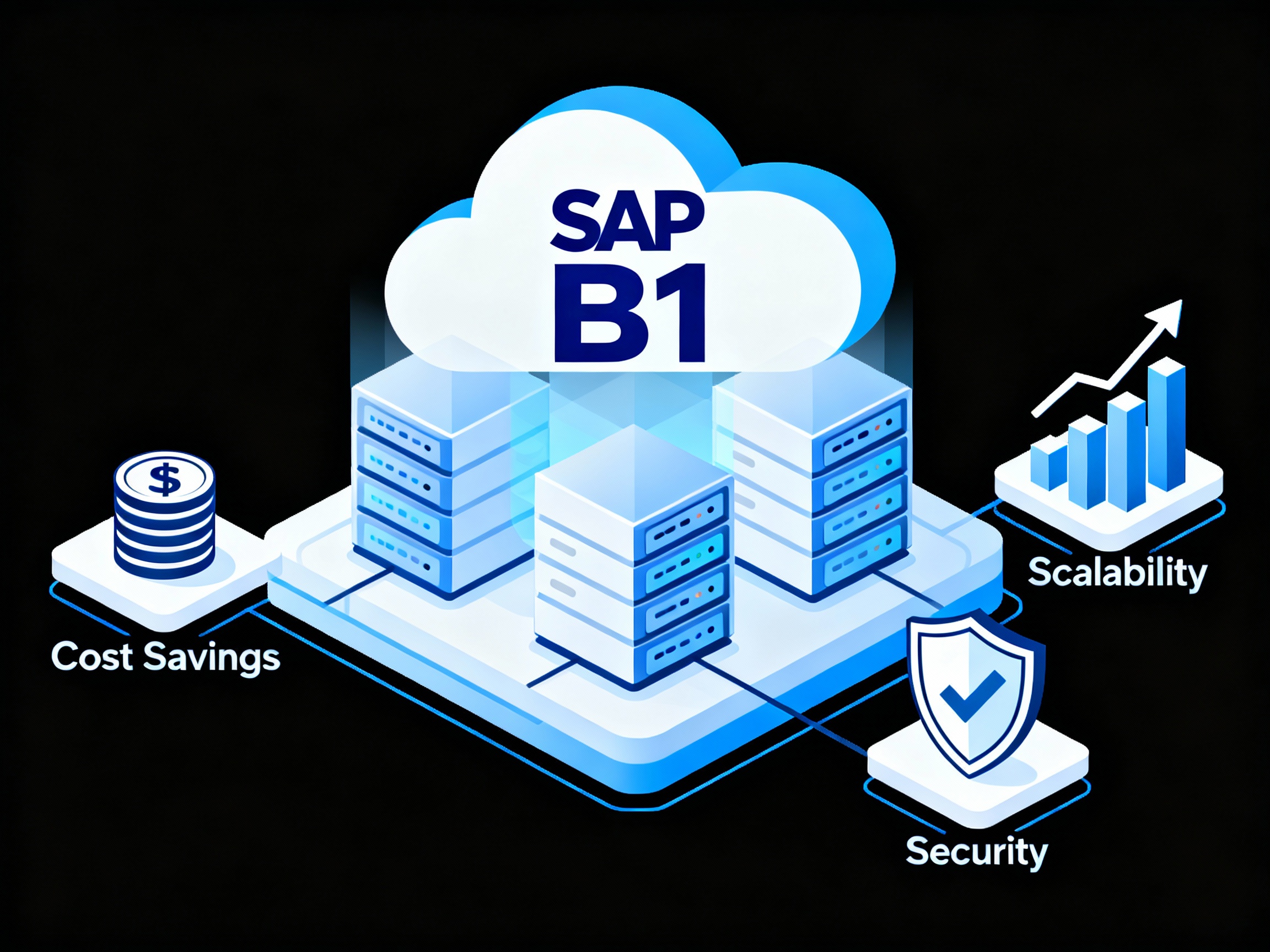
Hosting SAP Business One on Cloud: Benefits and Considerations
In today’s fast-paced business environment, hosting SAP Business One on cloud is transforming how organizations manage their operations. With cloud computing becoming the backbone of digital transformation, businesses — especially small and medium enterprises (SMEs) — are increasingly shifting their ERP systems to the cloud for flexibility, scalability, and efficiency.
Let’s dive deep into what makes this transition so powerful, explore its benefits, and highlight key considerations before you move your SAP Business One to the cloud.
Introduction to SAP Business One
What Is SAP Business One?
SAP Business One (SAP B1) is an enterprise resource planning (ERP) solution designed specifically for small and medium-sized enterprises (SMEs). It integrates essential business functions such as accounting, inventory management, purchasing, sales, and customer relationship management (CRM) into a single platform.
Why Small and Medium Enterprises (SMEs) Rely on SAP Business One
Unlike complex ERP systems that require extensive customization, SAP Business One provides out-of-the-box efficiency and easy scalability, allowing businesses to grow without changing their ERP infrastructure. It empowers teams with real-time insights, streamlined workflows, and data-driven decision-making.
Understanding Cloud Hosting for SAP Business One
What Does “Hosting on Cloud” Mean?
Hosting SAP Business One on cloud means running the ERP software on remote cloud servers instead of local on-premise hardware. This allows users to access the system from anywhere using an internet connection, enhancing flexibility and reducing IT infrastructure costs.
On-Premise vs. Cloud Deployment for SAP Business One
| Feature | On-Premise | Cloud |
|---|---|---|
| Infrastructure | Managed locally | Managed by cloud provider |
| Upfront Costs | High | Low |
| Scalability | Limited | Highly scalable |
| Accessibility | Local network only | Anywhere, anytime |
| Maintenance | Internal IT team | Cloud provider |
Key Components of SAP Business One Cloud Architecture
- Application Servers: Host core SAP B1 modules
- Database Servers: Store and process business data securely
- Backup & Disaster Recovery Systems: Ensure data safety and continuity
- Web Access Interface: Enables browser-based access for remote users
Major Benefits of Hosting SAP Business One on Cloud
1. Cost Efficiency and Reduced IT Overheads
Cloud hosting eliminates the need for physical servers and in-house maintenance, significantly reducing capital expenditure. Businesses pay only for what they use — typically through a subscription model — making it ideal for cost optimization.
2. Scalability and Flexibility for Growing Businesses
Cloud-hosted SAP B1 allows seamless scalability. Whether you’re adding users, expanding locations, or integrating new functionalities, cloud environments adapt instantly without costly upgrades.
3. Enhanced Accessibility and Remote Work Enablement
Teams can access SAP Business One from anywhere, on any device. This feature became crucial during the rise of remote and hybrid work models, ensuring continuous business operations even outside office premises.
4. Data Security and Compliance
Top cloud providers (like AWS, Azure, and Google Cloud) comply with international security standards (ISO 27001, GDPR). They provide encrypted connections, multi-factor authentication, and regular security audits to protect sensitive ERP data.
5. Improved System Performance and Reliability
Cloud environments offer high uptime (typically 99.9%) and redundant infrastructure to minimize downtime. This ensures uninterrupted access to business-critical data.
6. Simplified Maintenance and Automatic Updates
Cloud providers handle software updates, backups, and monitoring automatically. This means your IT team can focus on innovation instead of troubleshooting servers.
Important Considerations Before Moving SAP Business One to Cloud
While the advantages are compelling, transitioning SAP Business One to the cloud isn’t a one-size-fits-all solution. Businesses must evaluate several key considerations to ensure a smooth and cost-effective migration.
1. Choosing the Right Cloud Provider
Your cloud provider plays a crucial role in system performance, reliability, and security. Look for SAP-certified partners that offer 24/7 support, robust SLA guarantees, and proven experience with SAP Business One hosting.
Some popular providers include AWS, Microsoft Azure, and SAP’s own Business One Cloud.
2. Licensing and Subscription Models
Understand the licensing model you’ll use. SAP Business One on cloud can be deployed using:
- Perpetual licenses (purchased once and hosted in the cloud), or
- Subscription licenses (monthly/annual payments).
- Clarify whether your provider includes cloud hosting fees within the subscription or bills them separately.
3. Integration with Existing Systems
If your business already uses tools like CRM, eCommerce, or third-party APIs, ensure they can integrate seamlessly with SAP B1 Cloud. Cloud hosting enables API-based integrations, but compatibility must be tested beforehand.
4. Data Migration Challenges
Migrating from on-premise to cloud involves transferring sensitive business data. Plan a step-by-step migration with data validation, backups, and testing to minimize disruptions.
5. Internet Connectivity and Downtime Risks
Because SAP B1 Cloud relies on internet access, a stable and redundant connection is critical. Consider backup ISPs or VPNs to ensure business continuity during network issues.
Types of Cloud Deployment Options for SAP Business One
Not all businesses have the same operational needs. SAP Business One supports three main cloud deployment models:
Public Cloud Hosting
Hosted on shared infrastructure maintained by third-party providers.
✅ Best for: Startups and SMEs seeking affordability and minimal maintenance.
⚠️ Limitation: Limited customization due to shared resources.
Private Cloud Hosting
Dedicated servers exclusively for your organization.
✅ Best for: Companies needing advanced control, data sovereignty, or compliance with strict regulations.
⚠️ Limitation: Higher costs compared to public cloud.
Hybrid Cloud Hosting
Combines on-premise and cloud environments.
✅ Best for: Businesses transitioning gradually or those with mixed compliance requirements.
⚠️ Limitation: Complex management setup.
Steps to Successfully Host SAP Business One on Cloud
Implementing SAP Business One Cloud requires a well-planned approach. Here’s a practical roadmap:
Step 1: Assess Your Business Needs
Evaluate why you’re moving to the cloud — scalability, cost, performance, or remote access. Define your priorities and align them with the right hosting model.
Step 2: Select a Certified Cloud Partner
Partner with an experienced SAP Cloud Hosting provider that offers high uptime, 24/7 monitoring, and compliance certifications.
Step 3: Plan Migration and Backup Strategy
Create a detailed migration plan. Ensure data backup, validation, and testing phases are included before full deployment.
Step 4: Conduct Testing and User Training
Run pilot tests to validate data accuracy and application performance. Train employees to adapt to the cloud-hosted system’s interface and accessibility.
Step 5: Go Live and Optimize Continuously
After successful testing, go live. Monitor system performance, track KPIs, and optimize regularly for efficiency and cost savings.
Common Myths About Cloud Hosting SAP Business One
Despite the benefits, several misconceptions still surround cloud-hosted ERP systems.
Myth 1: Cloud Hosting Is Too Expensive
In reality, cloud hosting reduces long-term costs by eliminating expensive hardware, maintenance, and IT staffing needs. It’s a pay-as-you-go model that scales with your budget.
Myth 2: Data on Cloud Isn’t Secure
Top-tier cloud providers follow industry-leading encryption, access control, and compliance standards. In many cases, cloud systems are more secure than on-premise setups.
Myth 3: Cloud Hosting Causes Performance Delays
Cloud servers are optimized for high-speed access with 99.9% uptime. Geographically distributed data centers ensure minimal latency and fast response times.
Real-World Examples of Businesses Benefiting from Cloud-Hosted SAP Business One
Manufacturing Sector
A mid-sized manufacturer migrated to SAP Business One Cloud to centralize production and inventory data. Result: 30% faster reporting and reduced IT costs by 40%.
Retail and E-commerce
A global e-commerce brand leveraged SAP B1 Cloud to manage multi-location inventory and order processing in real time. This improved operational visibility and customer satisfaction.
Professional Services
Consulting firms use SAP Business One Cloud to track projects, bill clients, and manage resources remotely, resulting in improved productivity and cash flow.
FAQs About Hosting SAP Business One on Cloud
1. Is SAP Business One Cloud secure for financial data?
Yes. SAP Business One Cloud uses encrypted connections (SSL/TLS) and multi-factor authentication. Leading providers adhere to global compliance standards such as GDPR and SOC 2.
2. Can I integrate third-party apps with SAP Business One Cloud?
Absolutely. Cloud deployment supports API-based integrations, allowing seamless connection with CRMs, eCommerce platforms, and custom applications.
3. How much does it cost to host SAP Business One on Cloud?
Pricing depends on factors like user count, data storage, and cloud provider. Typically, it ranges between $100–$300 per user per month including hosting and maintenance.
4. What happens if internet connectivity fails?
If connectivity drops, you won’t access the live system temporarily. However, data remains secure, and once the connection restores, users can resume work seamlessly.
5. Can I customize my SAP Business One Cloud solution?
Yes. You can customize dashboards, reports, and modules to fit business requirements, especially when hosted on private or hybrid clouds.
6. What are the best cloud platforms for SAP Business One?
AWS, Microsoft Azure, and SAP Cloud are the top three choices due to their reliability, global infrastructure, and SAP certification.
Conclusion: Is Cloud Hosting Right for Your SAP Business One?
Hosting SAP Business One on cloud offers a transformative path for businesses aiming to modernize operations. From cost savings and enhanced scalability to stronger data security and remote accessibility, the advantages are undeniable.
However, successful migration depends on thoughtful planning — including choosing the right provider, understanding licensing, and ensuring proper data migration.
For most growing companies, the benefits far outweigh the risks. By adopting cloud hosting for SAP Business One, you future-proof your business, enhance agility, and position your organization for digital success.