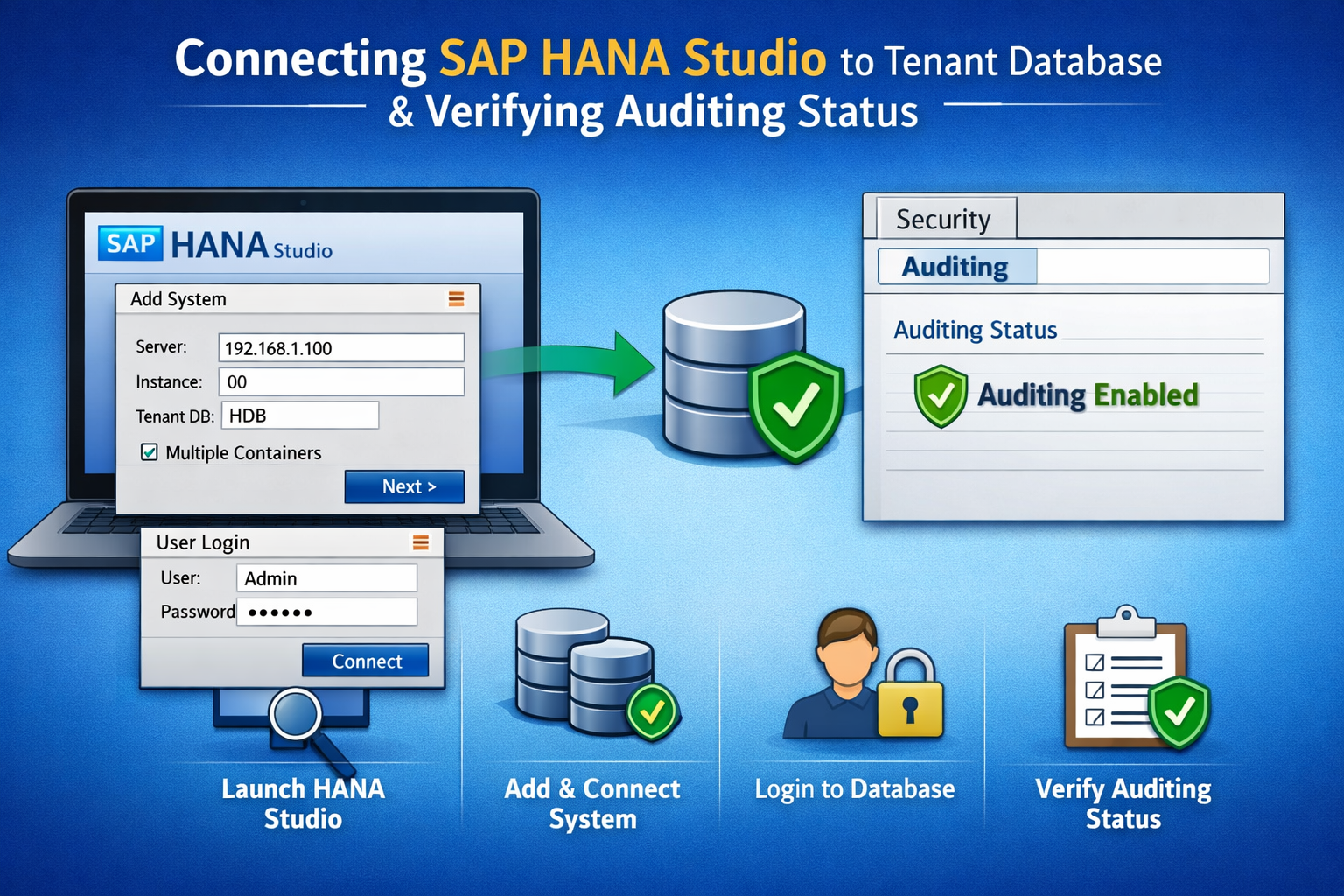
Step-by-Step Guide to Connect SAP HANA Studio and Check Auditing Status

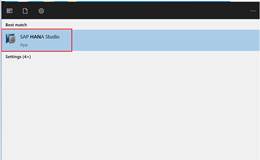
1.Click Windows button à search HANA Studio à double click on HANA Studio
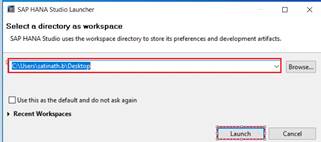
2.HANA Studio Launcher will popups à click on Launch
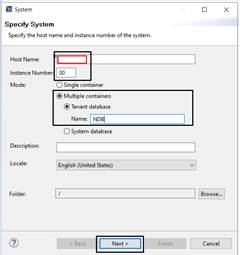
3.Click Add System

4.Enter the Hana server (SUSE) IP Address à Instance Number 00 à click in check box Multiple Container à Tenant DB Name àClick on Next
5.Enter valid User name & Password
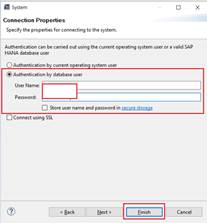
6.NDB Connection established successfully

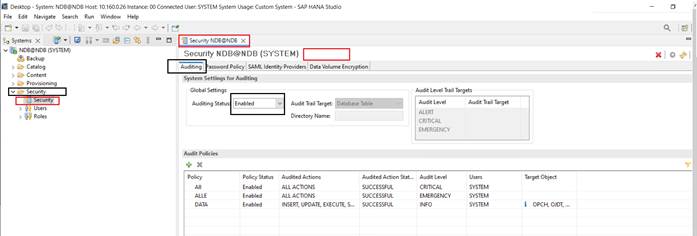
7.Expand Security Tab à Double Click on Security à Click on Auditing à Here you can see that Auditing Status Enabled
0 0 votes
Article Rating
Subscribe
Notify of
guest
0 Comments
Oldest
Newest Most Voted
Inline Feedbacks
View all comments
Scroll to Top

Interested To Know More?

Interested To Know More?


    Role Min. ExperienceLocationModeRead More/Apply
    IT Administrator3+ years BangaloreWork From office
    SAP Business One Technical Consultant3+ yearsBangaloreWork from Office
    SAP Business One  Functional Consultant3+ yearsBangaloreWork from Office
    Head – ERP Software Sales5+ yearsBangaloreWork From Office
    Senior Full Stack Developer5+ years BangaloreWork From Office

    Clockwork Alumni Request

    It is always a pleasure to hear from our worldwide alumni.

    You could drop an email to alumni@clockwork.in with your request details or provide your request details below:


      General Enquiry


        0
        Would love your thoughts, please comment.x
        ()
        x