

Upgrading your Linux environment is essential to maintain security, performance, and compatibility — especially for enterprise workloads like SAP environments.
In this blog, we’ll walk through the complete online migration process from SUSE Linux Enterprise Server (SLES) 15 SP1 to SLES 15 SP5 using the official migration method.
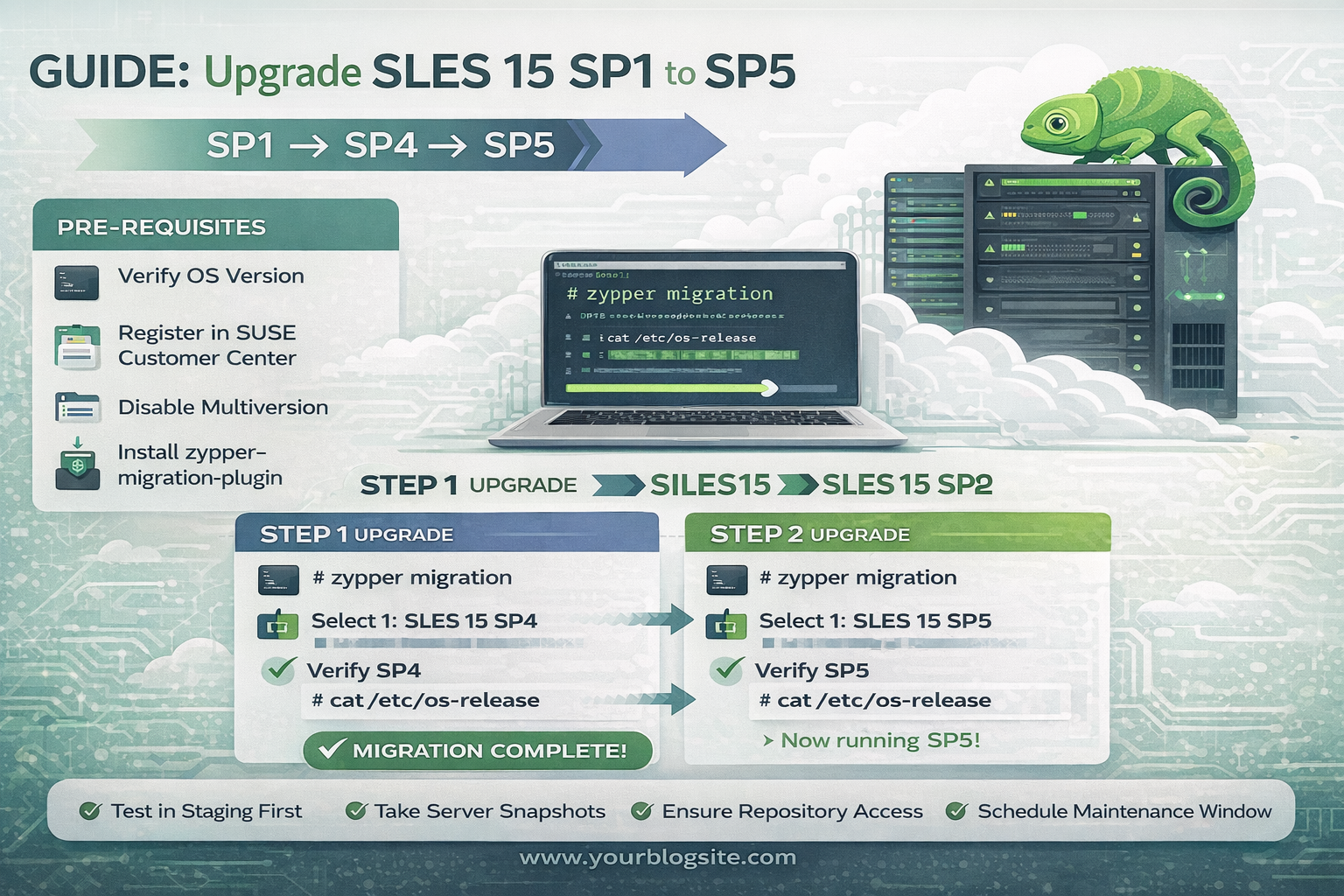
⚠️ Important: Direct upgrade from SLES 15 SP1 → SP5 is not supported.
The migration must be performed in two stages:
SP1 → SP4 → SP5.
Why Upgrade to SLES 15 SP5?
Upgrading to the latest Service Pack provides:
- Improved system security patches
- Better kernel performance and stability
- Enhanced repository and package support
- Long-term enterprise support compatibility
- Improved reliability for SAP and enterprise workloads
Pre-Migration Checklist
Before starting the migration, ensure the following:
✔️ 1. Verify Current OS Version
Check your existing server version:
This confirms the current system is running SLES 15 SP1.
✔️ 2. Take Server Snapshot Backup
Always create a snapshot or full backup before starting migration.
This ensures rollback capability if anything goes wrong during the upgrade process.
✔️ 3. Register Server in SUSE Customer Center
Register the system:
Verify registration status:
This step ensures repositories and migration channels are available.
✔️ 4. Disable Multiversion (Temporary Step)
Check multiversion configuration:
Disable it before migration (you will re-enable it later).
Install Migration Prerequisites
Install the migration plugin:
Verify installation:
If not installed, reinstall using the command above.
Step 1: Upgrade SLES 15 SP1 → SLES 15 SP4
Run migration command:
You will see available migration targets.
Select:
Then:
- Packages will begin downloading
- Confirm by pressing y when prompted
- Wait for migration completion
Post-Migration Verification (SP4)
After migration:
Verify OS Version
You should now see:
Check Repository Connectivity
Check Kernel Version
Ensure the kernel has updated correctly.
Restart the Server
Reboot to apply all changes:
After restart, confirm migration success again.
Re-Enable Multiversion
Undo earlier changes:
Enable multiversion settings as required.
Step 2: Upgrade SLES 15 SP4 → SLES 15 SP5
Now repeat the same migration process:
Select:
Proceed with package installation and confirm prompts.
Final Verification (SP5)
After migration completes, verify:
Expected output:
Congratulations — your online migration to SLES 15 SP5 is now successfully completed.
Best Practices for Enterprise Environments
✔ Always test migration in staging first
✔ Ensure stable internet/repository access
✔ Take snapshots before each migration stage
✔ Monitor disk space during package download
✔ Schedule migration during maintenance windows
Conclusion
Migrating from SLES 15 SP1 to SP5 is a structured process that ensures system stability while keeping enterprise servers secure and updated. By following the staged migration approach — SP1 → SP4 → SP5 — you can safely upgrade production environments with minimal risk.